Your ideas. Realized.
Describe what you need in plain English, and Forge handles the rest — accelerating your work across every project.
Meet Fozzy.
The smartest assistant you've ever had. Just tell Fozzy what you need — and watch it work.
Fozzy understands your profession, remembers your preferences, and handles all the steps to get it done — so you can focus on the work that matters.
Three steps. No learning curve.
Describe
Tell Fozzy what you want to build, handle, or organize — in plain English. No code, no commands, no jargon required.
Forge Works
Fozzy gets to work — tackling multiple parts of your request at the same time, across all your projects.
Review & Refine
See results as they happen. Give feedback, change direction, or let Forge keep going. The more you guide it, the better it gets.
Built for how you actually work.
Start instantly with ready-made templates tailored for your exact profession.
Doctors & Healthcare
Dictation structuring, research summaries, and data organization safely and securely on your own device.
Lawyers & Legal
Generate contract drafts, analyze dense case law, and summarize depositions in seconds without exposing client data.
Designers & Creators
Share your mockups and watch them become real, working apps — in minutes, not weeks.
Engineers
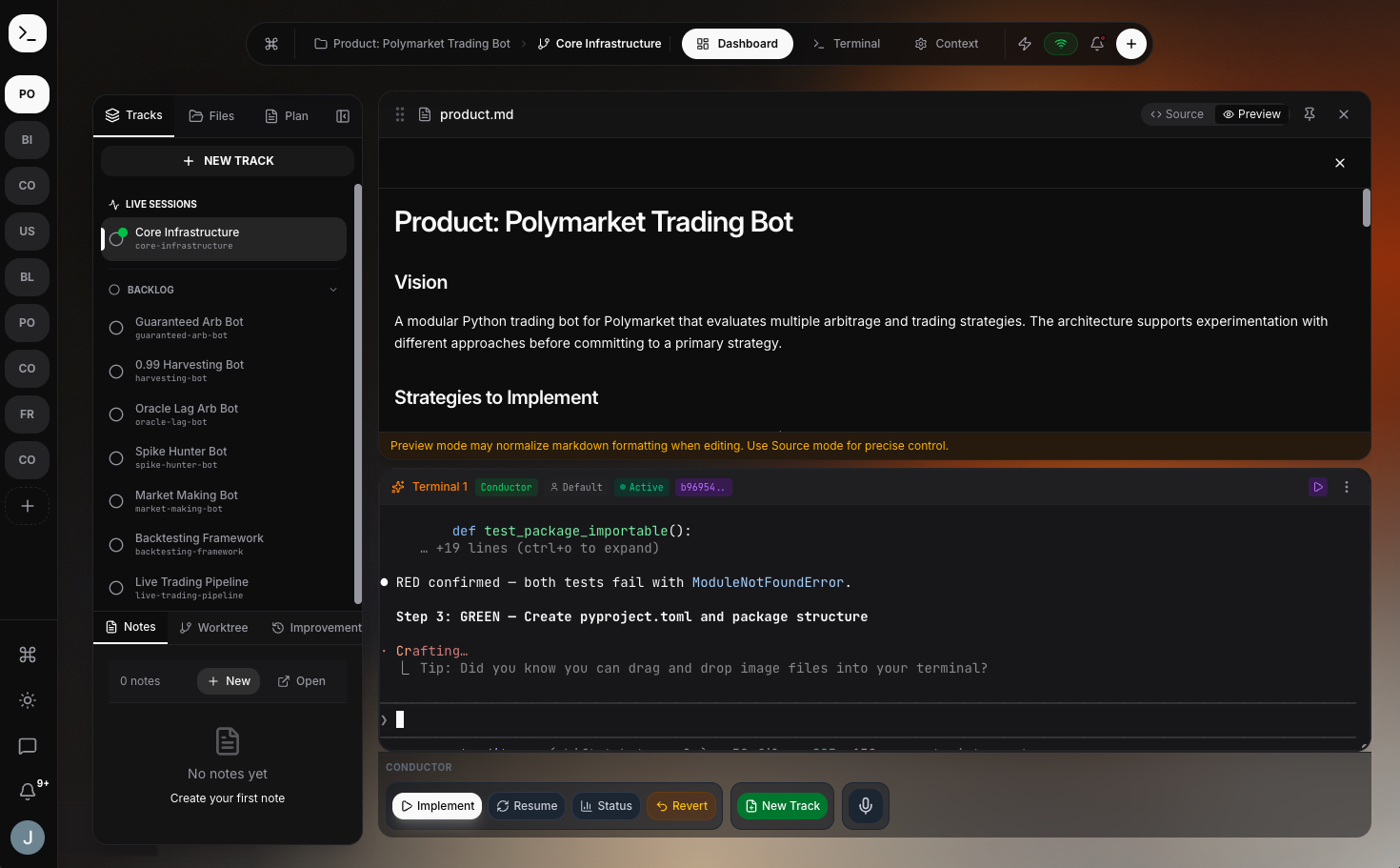
Orchestrate Claude, Gemini, and Codex from one workspace. Run parallel tasks across repos while Forge manages the context.
One workspace. Total clarity.
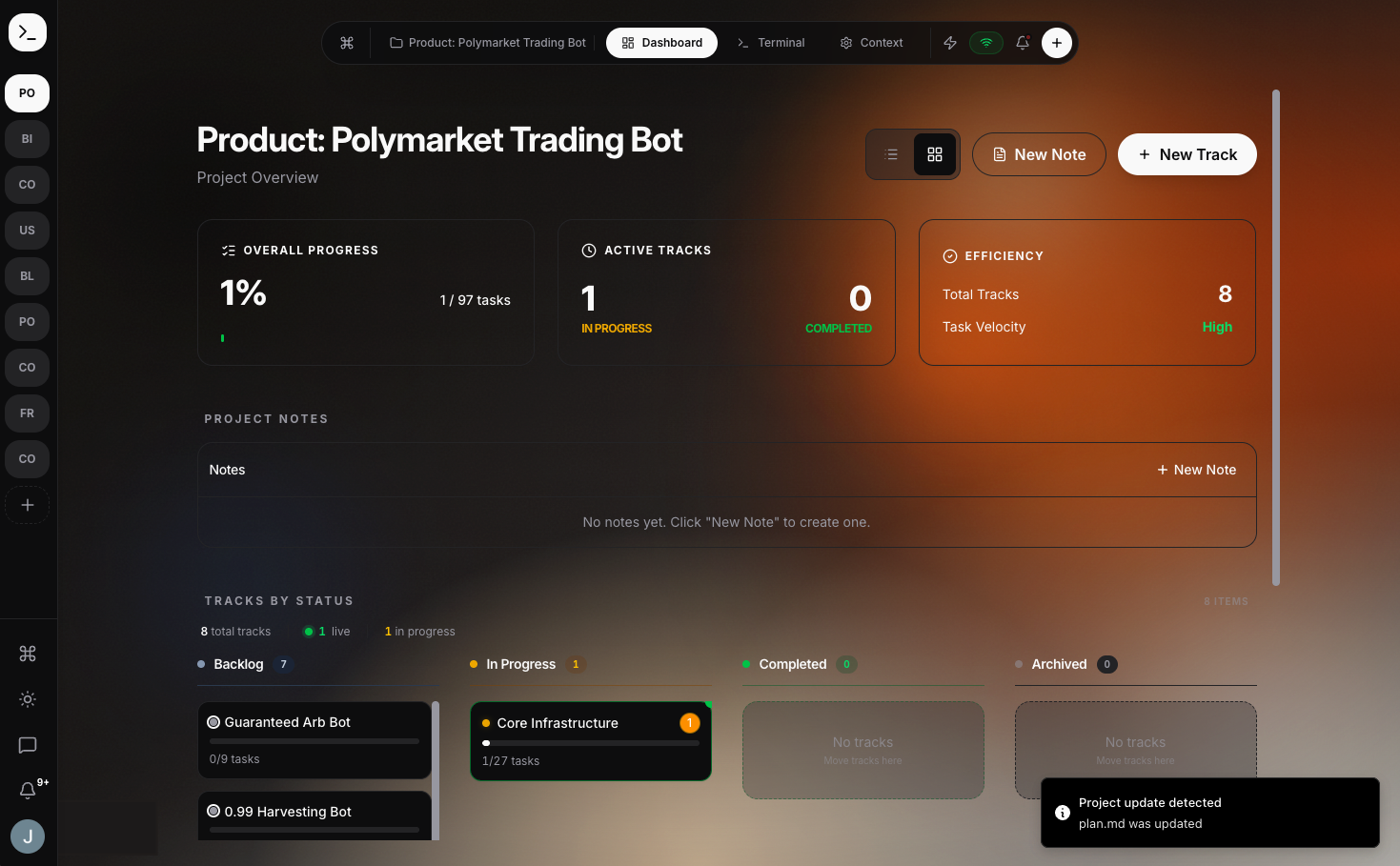
Everything at a glance.
See every project, every task, and every result — as it happens. Step in when you want, or let Fozzy handle the details.
Always the sharpest tools.
Forge uses the best AI available for each task — at a fraction of what other tools charge. No subscriptions to juggle, no markups.
Your data stays yours.
Your files never leave your machine. Nothing is uploaded, nothing is shared. Total privacy for sensitive legal, medical, or financial data.
It gets smarter every time you use it.
Forge remembers your preferences, your style, and your past projects. Every time you start something new, it's already up to speed.
Teach Fozzy Your Business
Share your templates, guidelines, or goals. Fozzy picks them up and uses them across everything you do. You build the foundation once.
It Learns As You Work
Every finished project teaches Forge more about how you work. It gets faster, more accurate, and more in tune with your unique professional style.
Free to start. $10 to sync.
Forge is free forever. Upgrade to Pro to work from any device and get early access to new templates.
Core
Full access to Forge. Free forever.
- Unlimited projects & tasks
- Connect your Anthropic or Google API keys to pay wholesale rates
- Forge remembers your projects
- Works entirely on your machine
Pro
Work from anywhere. Everything stays in sync.
- Everything in the free plan
- Use Forge from any device
- Priority access to new templates & updates
- Advanced automation workflows
- Premium support